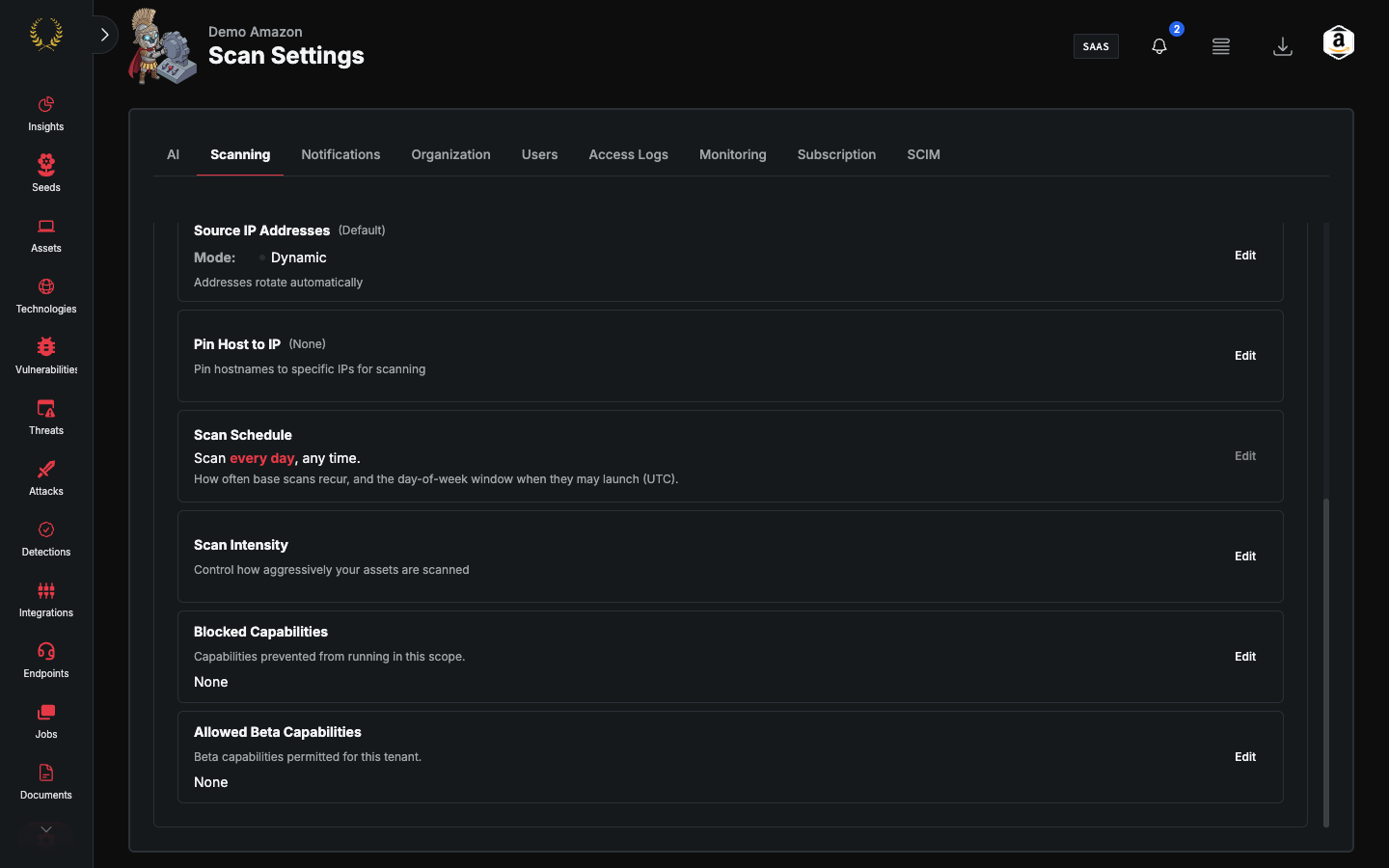
Scan Intensity
Account-wide simultaneous hosts and requests-per-host, plus optional per-asset override profiles.
Scan Intensity
Scan Intensity replaces the old standalone "Rate Limiting" card. It controls how aggressively Guard probes assets: a default for the tenant, and optional override profiles for specific assets.
Default intensity
Two independent knobs:
System default is not unlimited. The backend still caps at 1,500 hosts and 300 rq/s.
Suggested slider ends: Slow (30 / 25), Reduced (midpoints 265 / 137), Full rate (500 / 250).
These limits apply to automatic scanning for the account. Changes take effect on the next scan cycle.
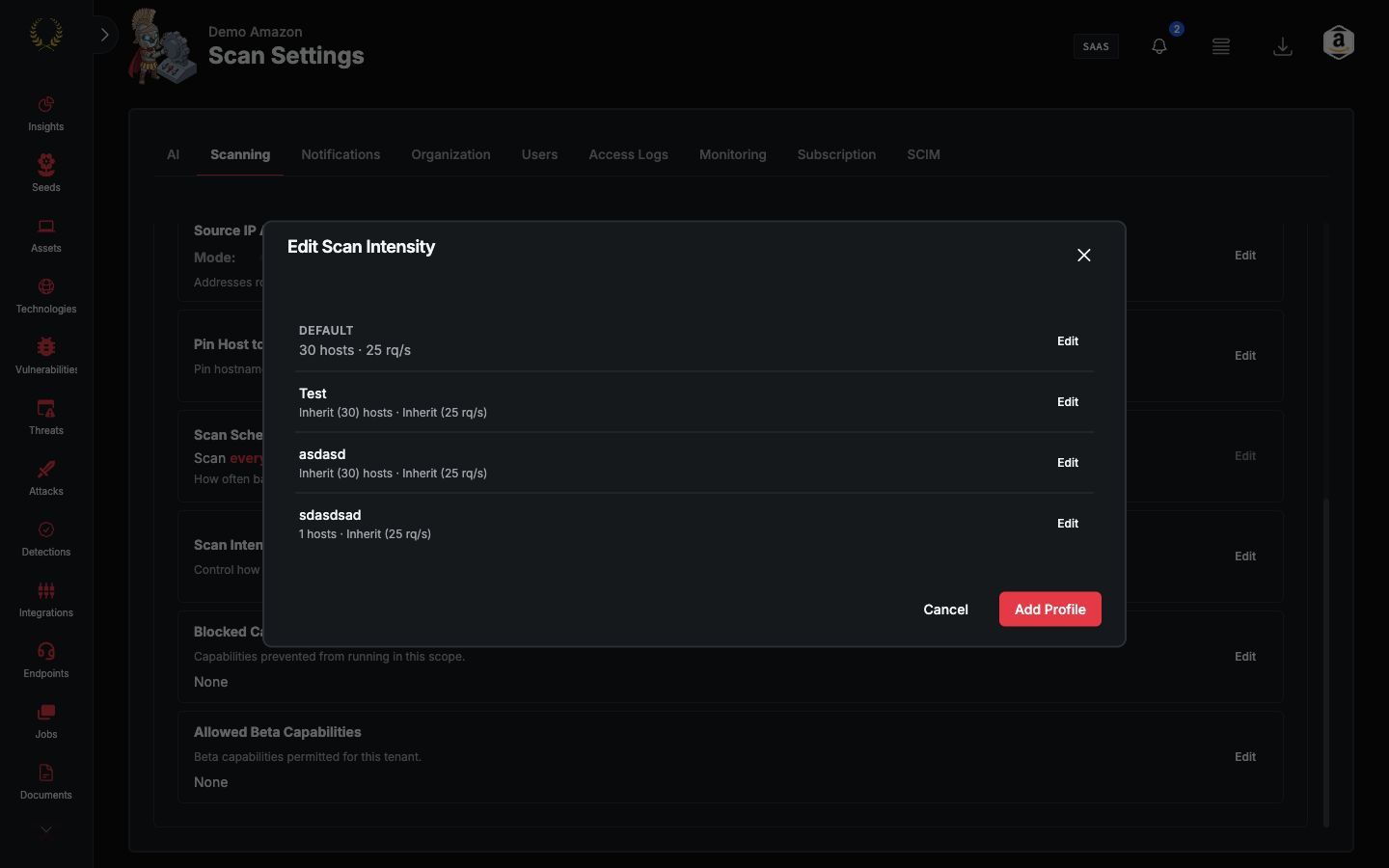
Override profiles
If any overrides exist, Edit opens a list: the default plus named profiles. Each override can set hosts and/or rate, or inherit the default, and is assigned to specific assets.
If there are no overrides, Edit opens the default form directly. Add Profile creates an override.
Who can edit
Anyone with manage settings (Admin). This is not super-admin-only (unlike Scan Level and Scan Schedule). If the tab is read-only, the Edit button is hidden.
What this is not
It does not pause scanning (Scan Status). It does not set how often scans start (Scan Schedule). It does not set Nuclei vs passive discovery (Scan Level).