Outbound Webhooks
How Guard POSTs open-risk notifications to your endpoint from Settings → Notifications.
Outbound Webhooks
Outbound Webhooks sends security notifications to an external URL. The card copy is: Send security notifications to external systems via webhooks.
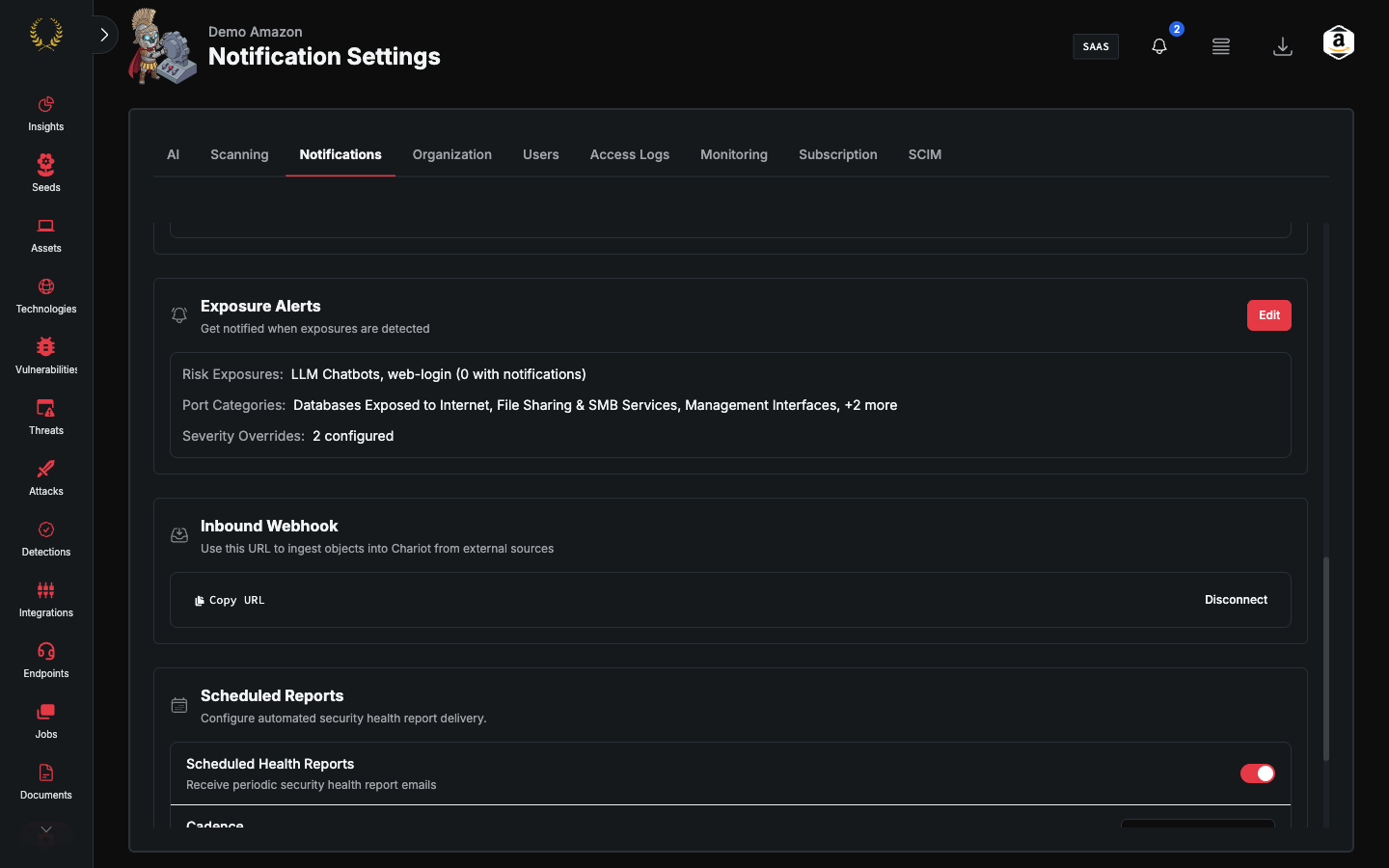
This is not Inbound Webhook on the same tab (that URL ingests objects into Guard).
Add and delete require manage-settings.
Add a webhook
- Open Settings → Notifications.
- Select Add Webhook.
- Fill the setup form:
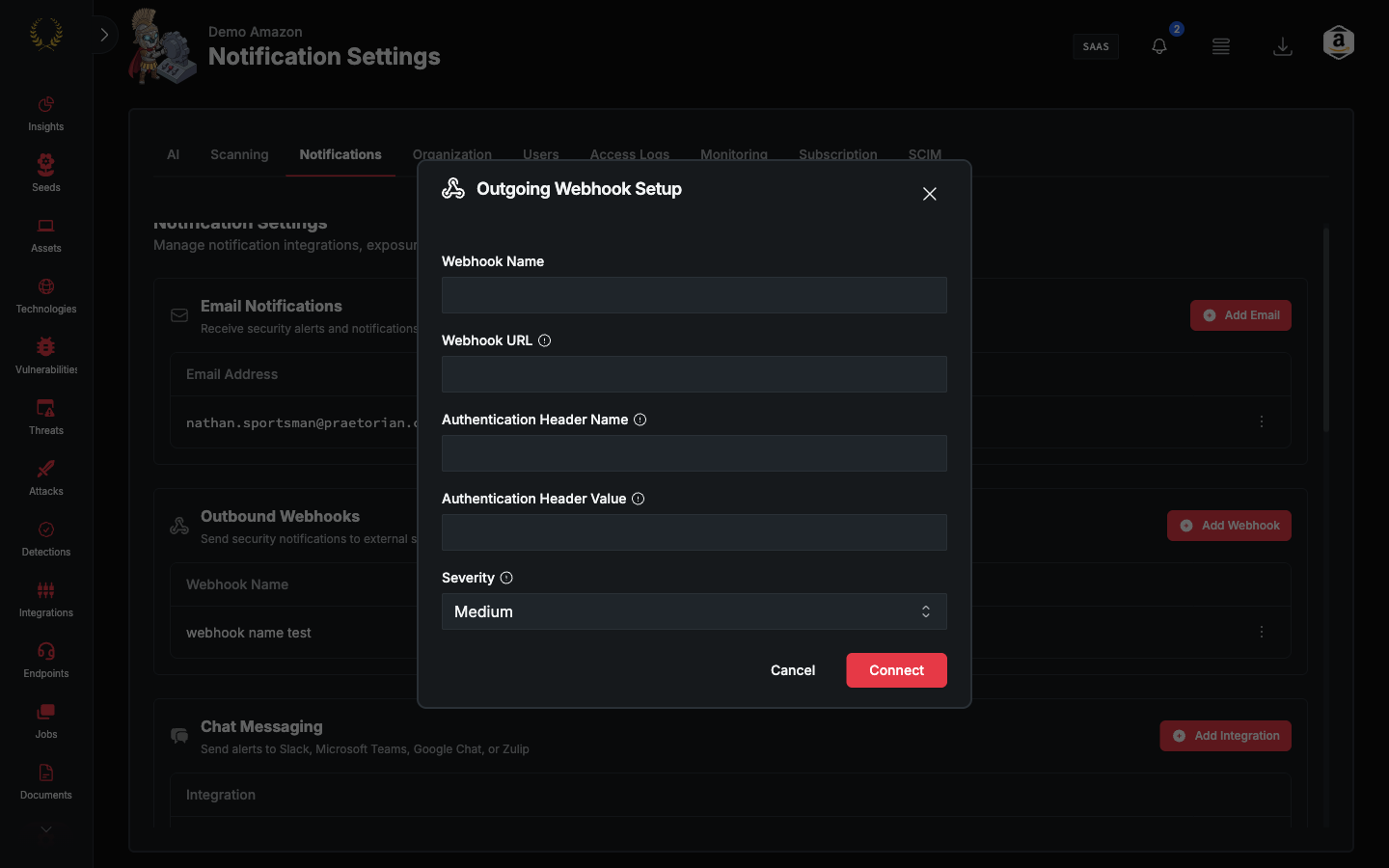
The endpoint must accept POST.
After it exists
The table shows the webhook name. Edit opens Webhook Configuration.
URL, authorization header, and token are stored in AWS Secrets Manager and cannot be read back. The modal shows masked placeholders. Only Severity Threshold is editable. To change URL or auth, delete the row and add a new webhook.
Severity options match email: Critical / High / Medium / Low / Info (cumulative codes C, HC, MHC, LMHC, ILMHC).