Sign In With SSO
Sign in through your identity provider without setting up MFA in Guard.
Paid customers can sign in with SSO. On guard.praetorian.com/login, choose Sign in with SSO or Sign in with Google.
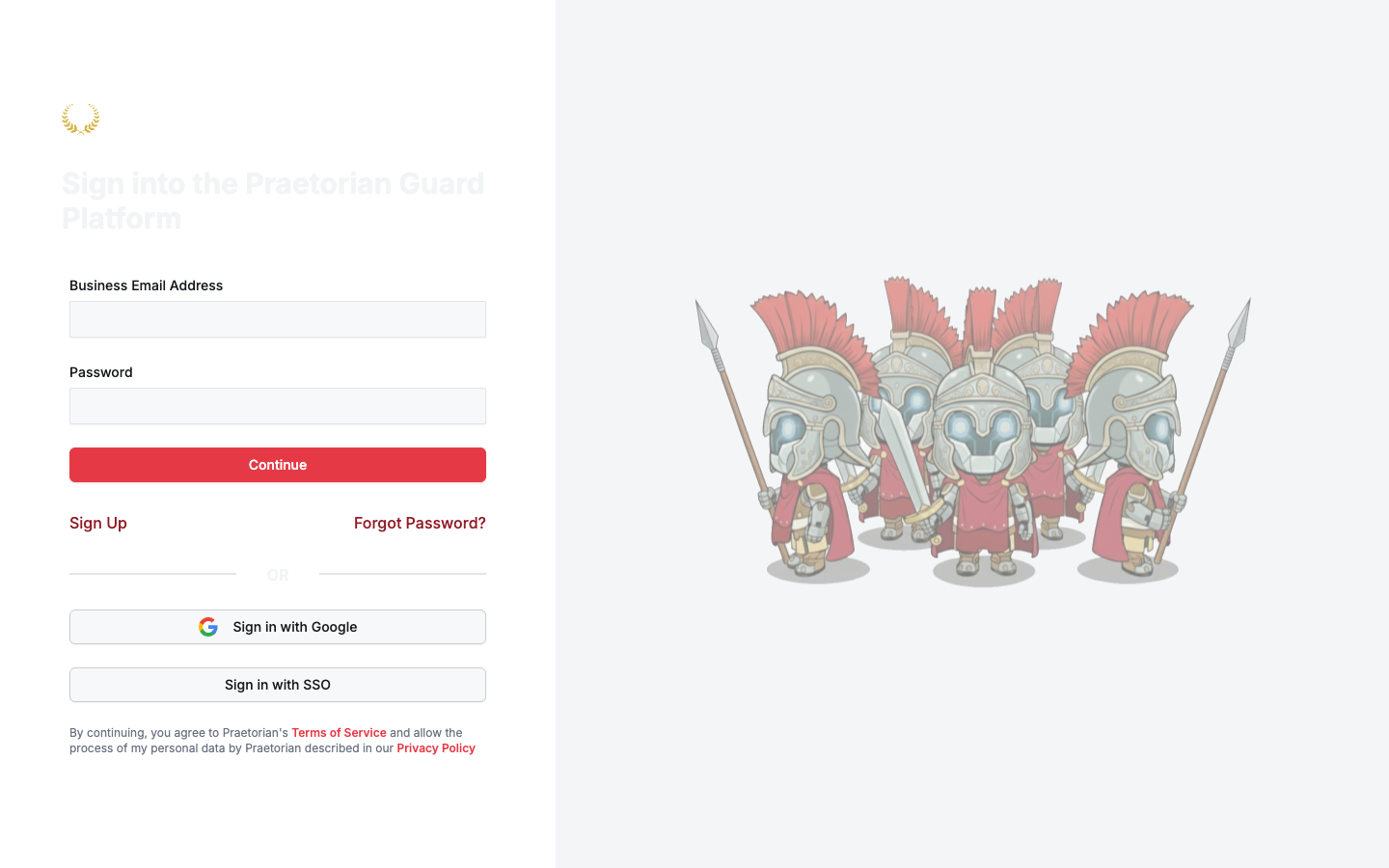
Your identity provider signs you in. Guard does not ask you to set up MFA.
Picture, password, and API keys are still on User Profile. SSO hides or disables Change Password and Change 2FA on that page. You still create an API key there if you use the CLI or a script.
Was this helpful?
Still need help? Ask the team