Freemium Onboarding Wizard
Approve your domain, then watch Guard discover your assets, scan them for vulnerabilities, and hunt for a compromise path.
Overview
Freemium tenants are guided through a four-step onboarding wizard the first time they access Guard. The steps are Approve domain, Enumerate Assets, Enumerate Vulnerabilities, and Find the Compromise.
The wizard covers the page. The left navigation stays visible. Close hides it for this browser tab. It opens again on the next login until a customer-launched hunt exists.
How it works
Automatic routing
When a freemium tenant logs in for the first time, Guard evaluates the current state of the account and routes the user directly into the wizard. Once all four steps are complete, the wizard no longer appears on login and the tenant has direct access to the full platform.
Gated phase progression
Each phase must complete before the next one unlocks. The wizard tracks progress automatically; if you close the browser mid-onboarding, progress is saved and the wizard resumes from your last completed phase on the next login.
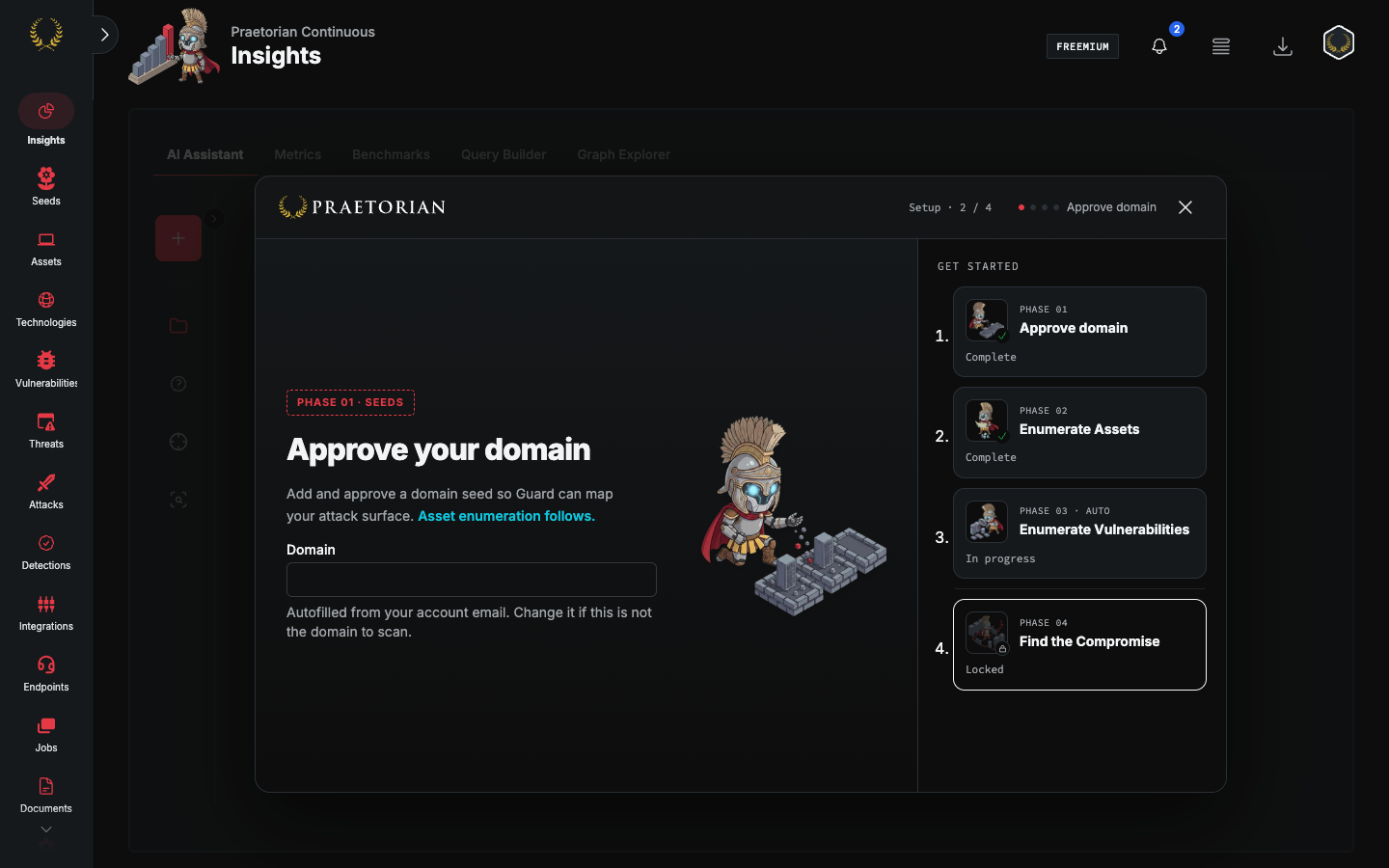
Step 1 — Approve domain
Goal: Approve the domain Guard will scan.
The domain is filled from your account email. Change it if that is not the domain to scan, then click Approve seed. Asset enumeration follows. The button stays disabled until the value is a hostname, with no protocol, path, IP, or CIDR.
Step 2 — Enumerate Assets
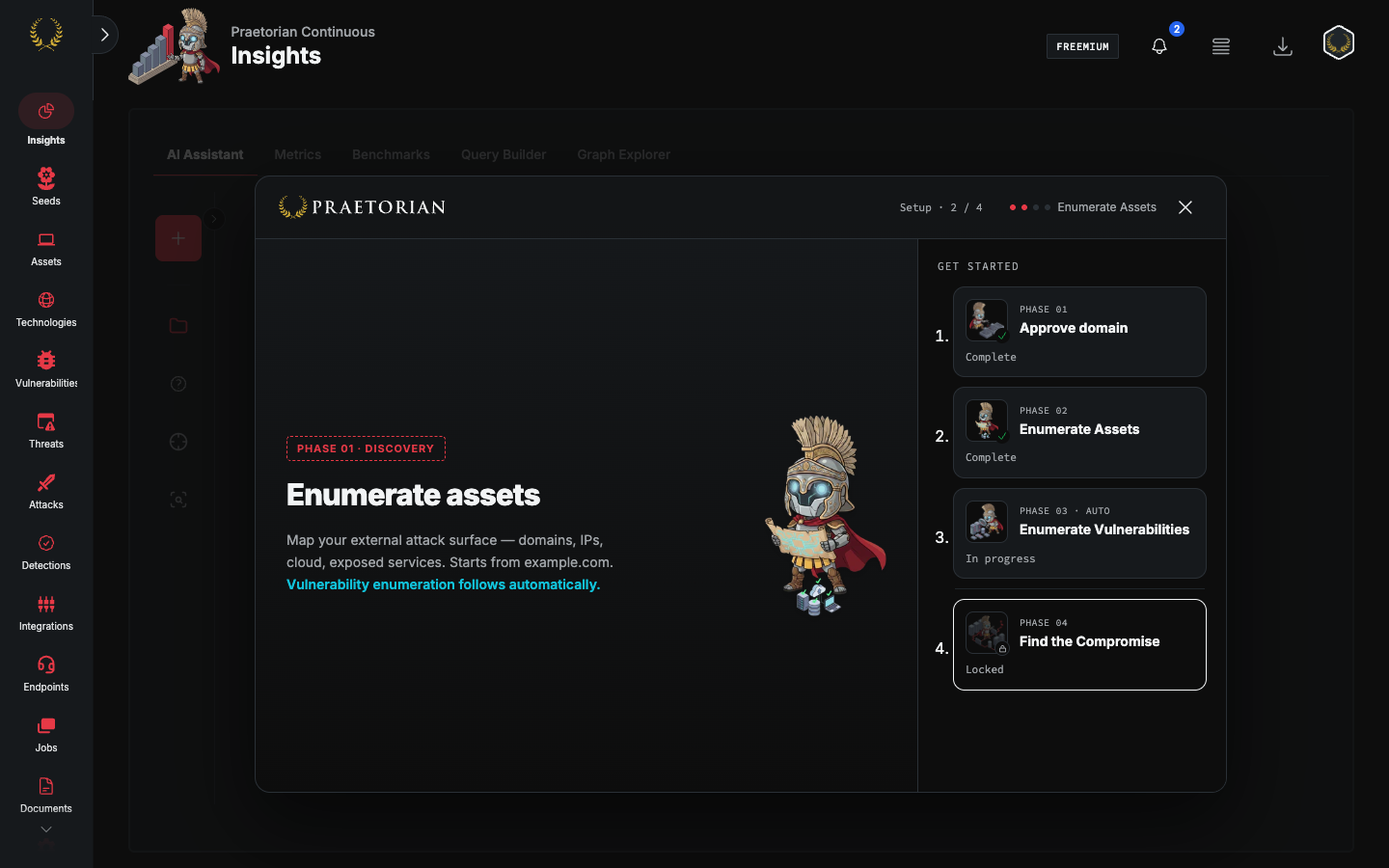
Goal: Watch Guard discover assets from the approved domain.
This step is complete when asset enumeration finishes.
Step 3 — Enumerate Vulnerabilities
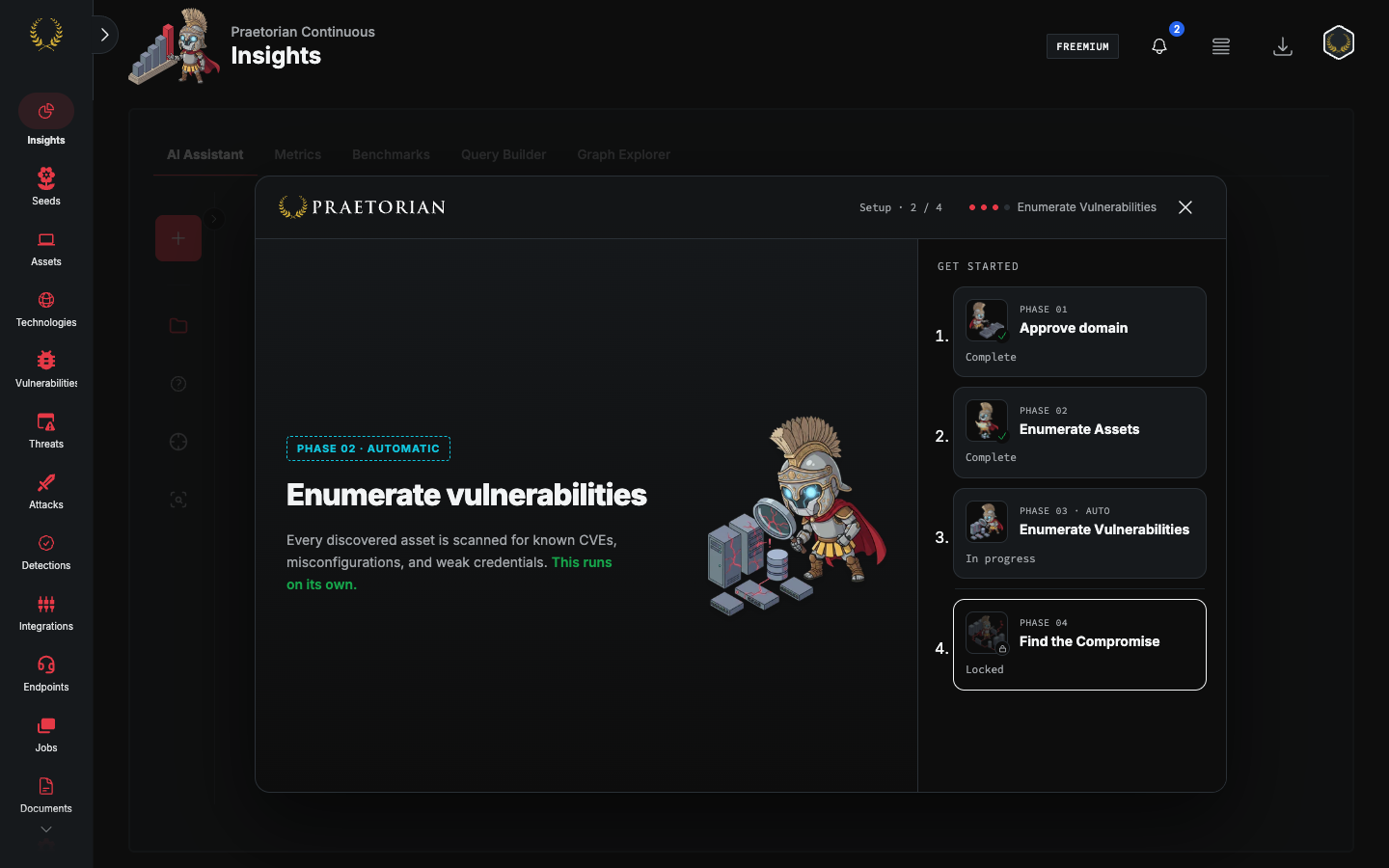
Goal: Scan discovered assets for vulnerabilities.
This step starts when asset enumeration completes. Discovered vulnerabilities stream into the wizard as each asset is processed.
This step is complete when vulnerability scanning finishes across the discovered assets.
Step 4 — Find the Compromise
Goal: Run an automated Hannibal hunt against your full discovered infrastructure.
A single call-to-action button auto-launches Hannibal against all assets discovered in Phases 1 and 2, using Guard's default mandate. No scope definition or hunt configuration is needed.
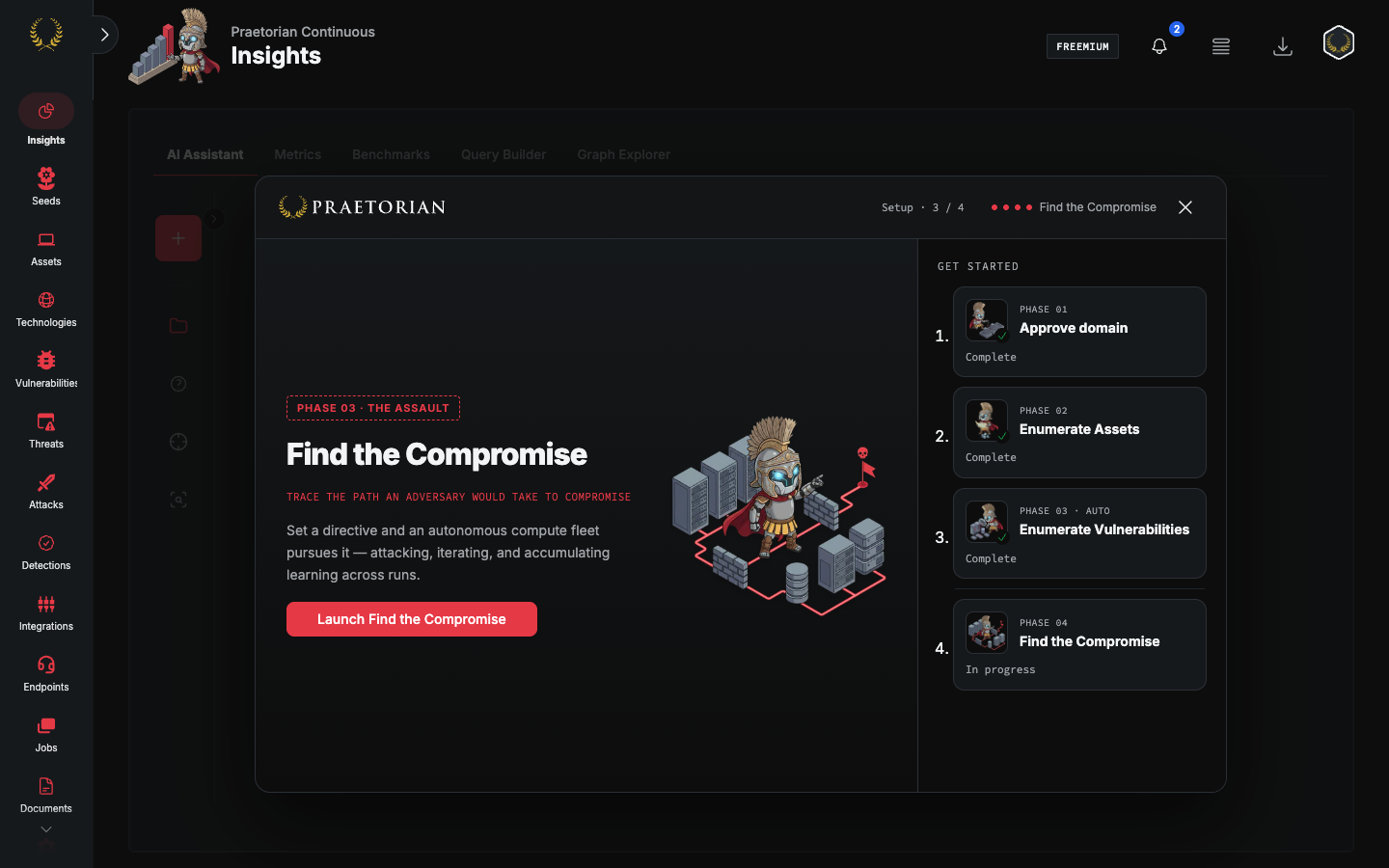
Hannibal (Hunt) is available to freemium tenants as part of this onboarding experience, enabling automated attack-path analysis from the first session.
The wizard is complete when the Hannibal hunt finishes. Guard then presents the results: either a demonstrated compromise path or a confirmed clean bill of health.
Eligibility
The onboarding wizard is available to freemium tenants only. Tenants on paid plans are not routed through the wizard and proceed directly to the platform on login.
Frequently asked questions
What happens if I close the browser before finishing onboarding? Progress is saved automatically. When you log in again, the wizard resumes from your last completed phase.
Can I skip a phase and return to it later? Completed steps in the list can be opened to review them. The current step is the one marked in progress. Later steps stay locked until the current step finishes.
Can I dismiss or minimize the wizard? Close hides it for this browser tab. It opens again on the next login until a customer-launched hunt exists.
When does the wizard stop appearing? Once all four steps are complete, the wizard gate is cleared and you are taken directly to the platform on every subsequent login.
Is Hannibal available to me after onboarding? Yes. Freemium tenants retain access to Hannibal (Hunt) after the wizard completes.
I completed onboarding but the wizard appeared again. What should I do? Contact Praetorian Support with your tenant details so the team can review the onboarding state for your account.
Still need help? Ask the team